Learn how to use 3D CAD and 3D printing to bring your creative ideas to life, while gaining industry-recognised skills along the way

Begin your journey by participating in courses to build skills and confidence in 3D CAD, 3D printing and design-thinking. Then explore our extensive resource library to learn how to create assistive technology, homeware, sustainable products, sculptures, and more. Let's take a look at the 3 course types available in PrintLab's library:
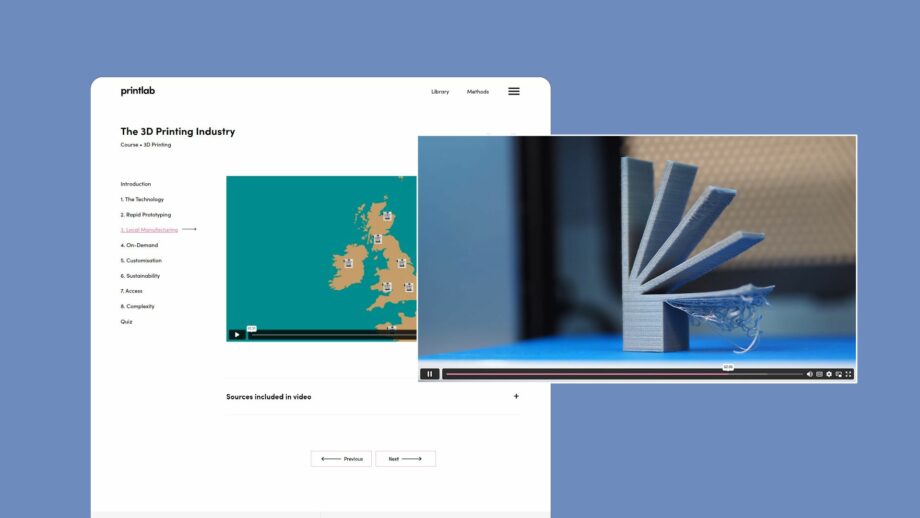
PrintLab's '3D Printing Industry' mini course.

Mini Courses

Mini courses feature informative videos or step-by-step tutorials, building foundational 3D printing knowledge and 3D CAD skills in Tinkercad or Autodesk Fusion (both free for personal non-commercial use). Each course ends with a quiz, and you can download a certificate if you score over 70%.

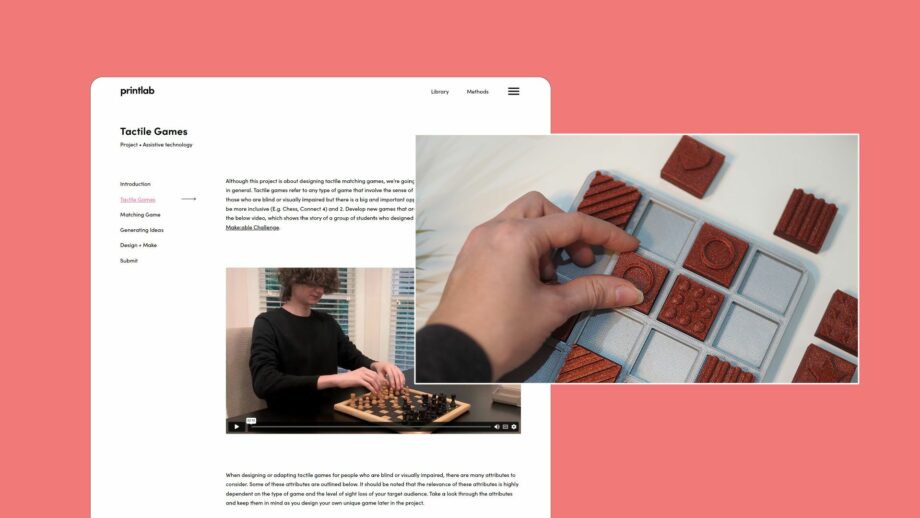
PrintLab's 'Tactile Games' project learning platform.

Projects

Projects guide you through each stage of the design process to create products in the fields of assistive technology, product design, and STEM. They offer a blend of online and offline design activities, as well as an editable template portfolio to document and showcase your creative journey.

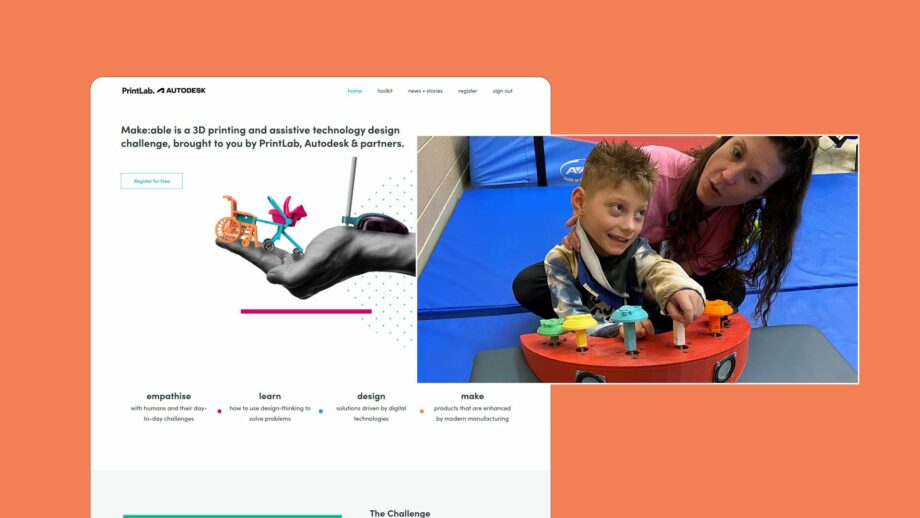
The Make:able Challenge homepage.

Challenges

Challenges are open-ended design briefs built around real-world contexts. Learners have the freedom to design creative solutions across themes such as assistive technology, homeware, outdoor adventures, and 3D printed games.

The PrintLab 3D Printing Certification Program

About

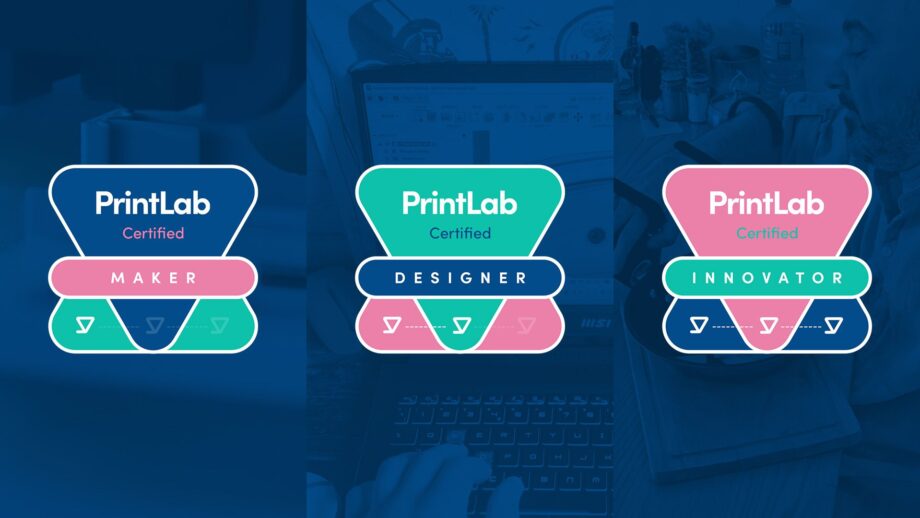
PrintLab Certified Maker, Designer and Innovator badges.

While using PrintLab, you can submit evidence of your work and earn certifications along the way! The PrintLab Certification Program is a comprehensive, tiered learning pathway that equips you with certifications in 3D CAD, 3D printing, and design innovation.

Upon completing each level, you’ll earn a formal certificate and certification badge image, which can be used as a visual marker in places like your email signature or within social media posts.

Level 1

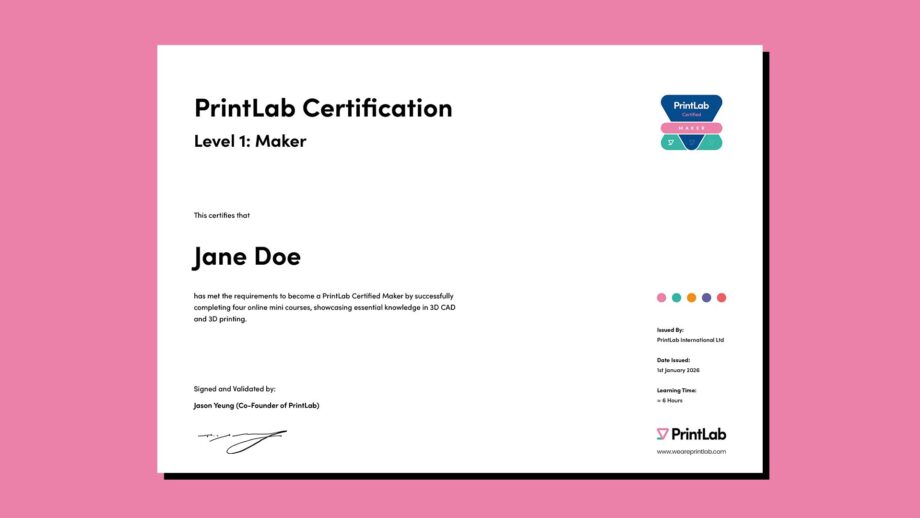
PrintLab Certification Level 1 Maker certificate showing recipient name, confirming completion of four online mini courses covering essential 3D CAD and 3D printing skills.

To earn the PrintLab Certified Maker certification, you must complete and submit certificates of 4 mini courses to showcase your essential knowledge in 3D CAD and 3D printing.

Level 2

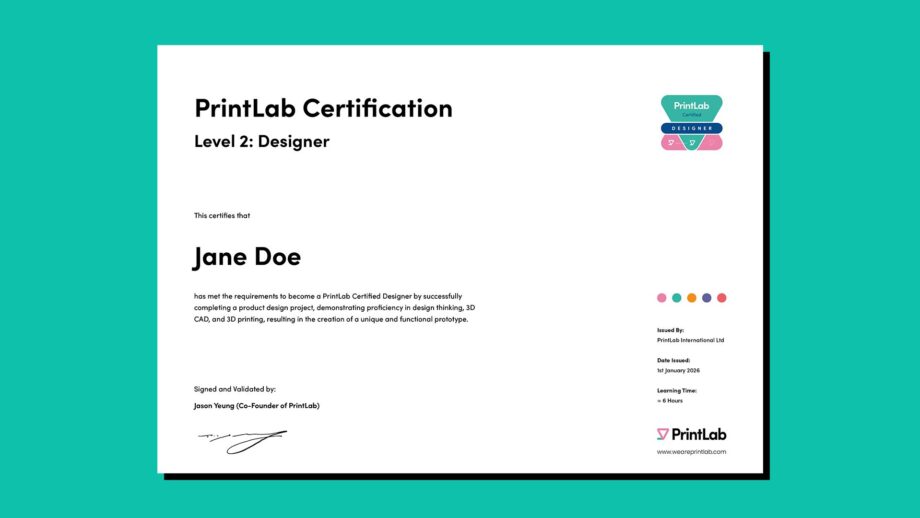
PrintLab Certification Level 2 Designer certificate showing recipient name, recognising completion of a guided product design project resulting in a unique and functional 3D printed prototype.

After obtaining your Certified Maker status, take your skills to the next level to achieve the PrintLab Certified Designer certification. This involves participating in a PrintLab project and submitting your portfolio – showcasing your proficiency in design-thinking, 3D CAD and 3D printing activities.

Level 3

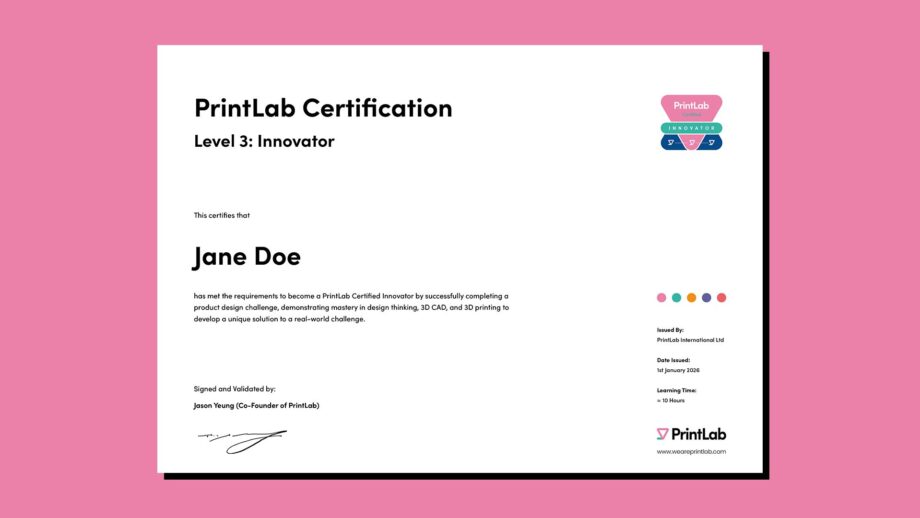
PrintLab Certification Level 3 Innovator certificate showing recipient name, recognising mastery of design thinking, 3D CAD, and 3D printing through the completion of a real-world design challenge.

As a final step, Certified Designers can obtain the PrintLab Certified Innovator certification by participating in a PrintLab design challenge – showcasing your ability to go through the entire design-thinking process to create 3D printed solutions for real people or organisations.

I've been 3D printing for a few years and even so, it was definitely worth going through these exercises. Most my experience was learned on the job by doing and making mistakes over may years, so it was great to have a concise overview of the whole process and continue to learn new things.

Patrick Benfield

I have always been an “early adopter” of technology and wanted to get a 3D printer to play with and explore. But I had not ever used any 3D CAD so I needed a guidebook to help me put the different parts together so I could start to design and prototype my product ideas. Printlab was the perfect resource for guiding me and getting me a proper foundation so I could get up and running.

Ed Charlwood

Frequently asked questions about PrintLab

Get your day pass trial

Who is PrintLab for?

Toggle

PrintLab is for anyone looking to develop new skills in 3D CAD and 3D printing, especially those passionate about designing solutions to real-world challenges. Our customers range from occupational therapists and aspiring designers to hobbyist makers.

Do I need any prior knowledge?

Toggle

Absolutely not! PrintLab is suitable for complete beginners with no experience in 3D design and 3D printing. Our resources range in difficulty so you can work your way from beginner to advanced level.

What equipment do I need?

Toggle

To make the most out of your PrintLab experience, you'll need access to a 3D printer, filament and a computer. In terms of software, you can either use Tinkercad (for beginners) or Fusion (for intermediate-advanced users). Both options are developed by Autodesk and are completely free for hobbyist, non-commercial use.

Which resources do I pick?

Toggle

PrintLab was built as a flexible library of resources that you can pick and choose from depending on your interests, skill level and personal preferences. We do however recommend following the certification pathway by starting with a selection of mini courses, progressing to projects, and finally tackling challenges for a comprehensive learning experience.

Can I try PrintLab?

Toggle

Of course! We offer a free day pass trial to our personal license. Click the link below and scroll down to the personal license trial to get started.

Join us in using 3D design and 3D printing to make unique products that bring value to the world

Start a free trial