PrintLab for Educators
An overview video of the PrintLab learning platform - for educators.
The PrintLab Certification Program is a comprehensive, tiered learning pathway that equips you with essential skills and recognised credentials in 3D CAD, 3D printing, and design innovation. Although optional, we recommend using the program to guide your journey through PrintLab, while earning certifications along the way! Before we dive into the details of the certification program, below are two short overview videos of the PrintLab learning platform. One video is for educators, and the other is for personal users.
An overview video of the PrintLab learning platform - for educators.
An overview video of the PrintLab learning platform - for personal users.
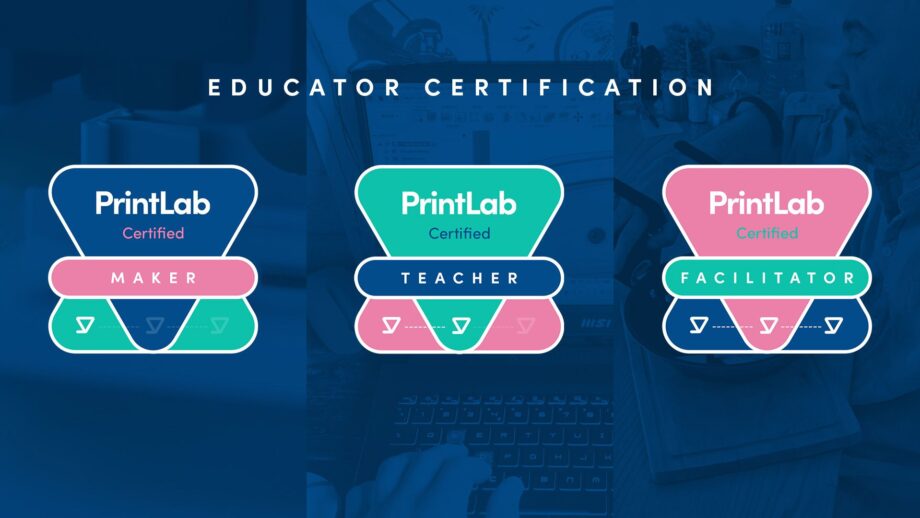
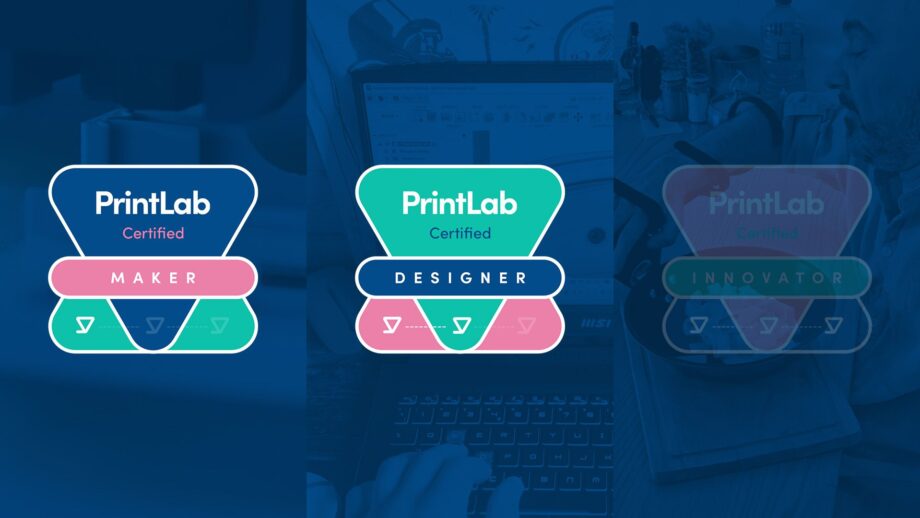
And now on to the certification program. There are 2 versions of the program – one for educators and one for designers (including students). Both versions offer three stages, each building your expertise.
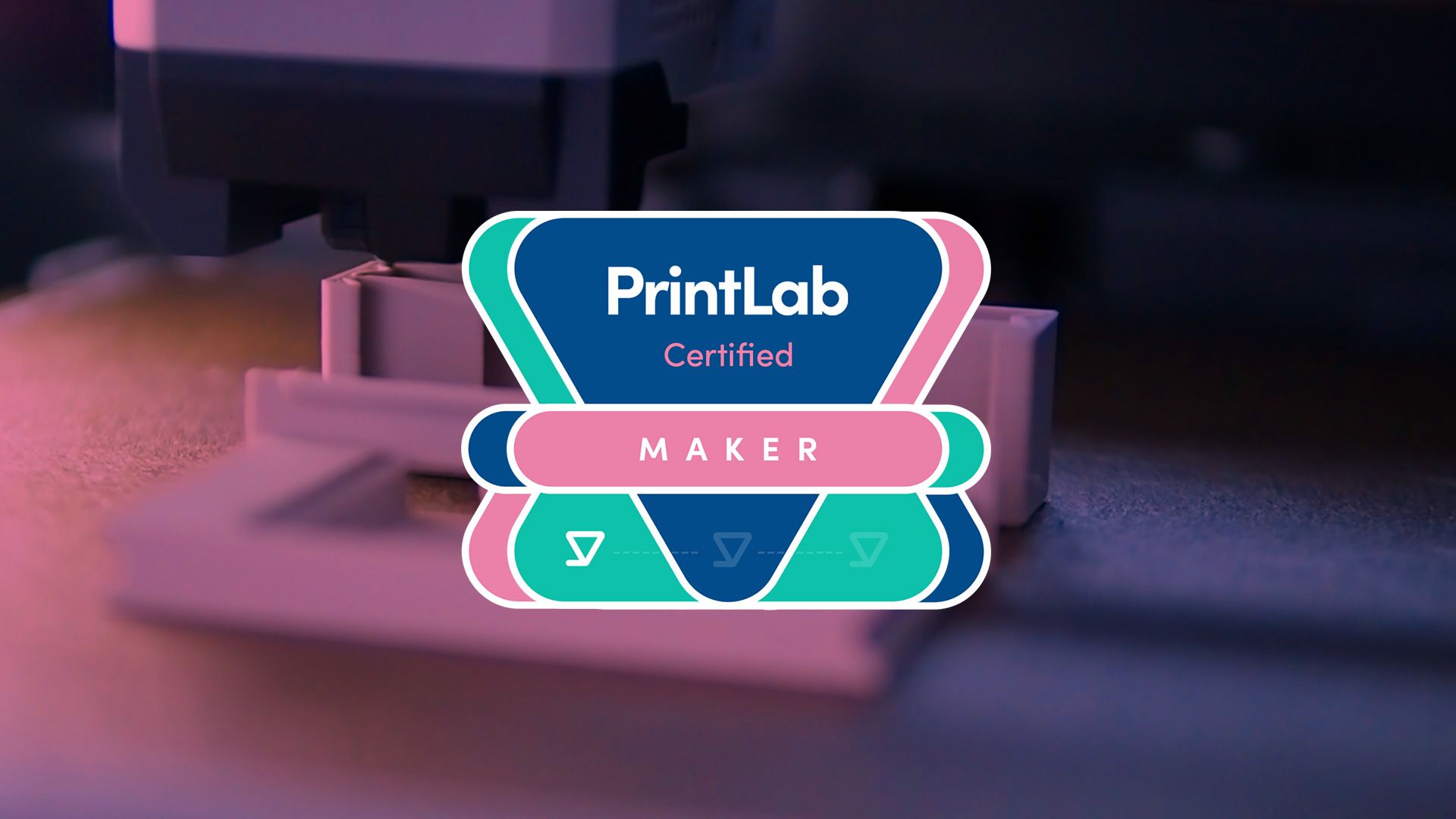
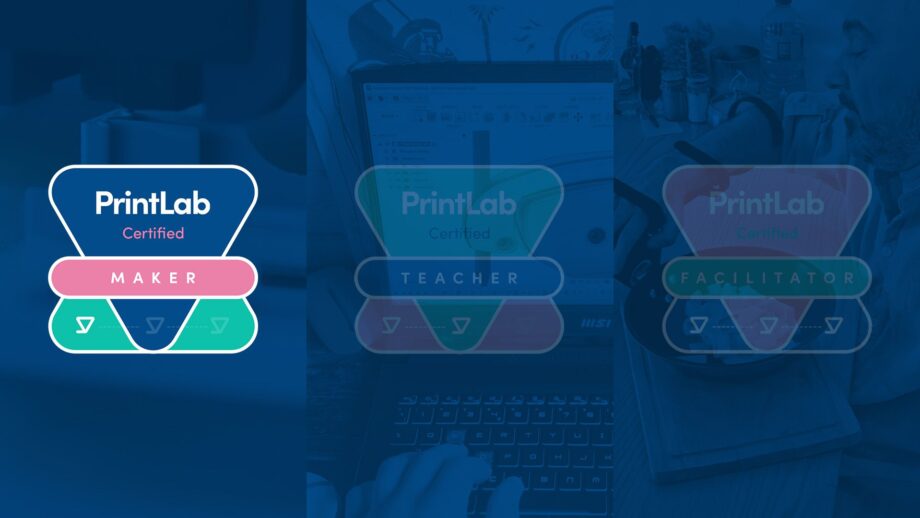
Upon completing each level, you’ll earn a formal certificate and badge image, which can be used as a visual marker in places like your email signature or within social media posts. These certifications help you showcase your skills to peers, employers, educational institutions, and the broader community. The program is flexible, self-paced, and empowers you to acquire industry-relevant skills and apply them directly to real-world projects.
*Please note that certification applications are only accepted from users with an active PrintLab subscription and not free trial users.
Start your journey by mastering the fundamentals. To earn this certification, you’ll complete a series of mini courses that showcase your essential knowledge in 3D CAD and 3D printing. Follow the steps below to achieve your certification.
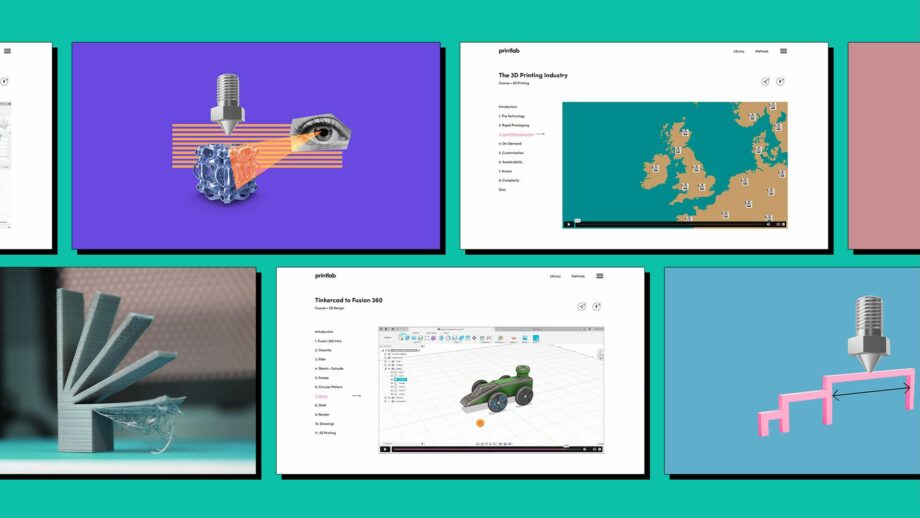
Head to PrintLab's mini course library and browse through the courses. Select 4 that are of most interest or relevance to you.
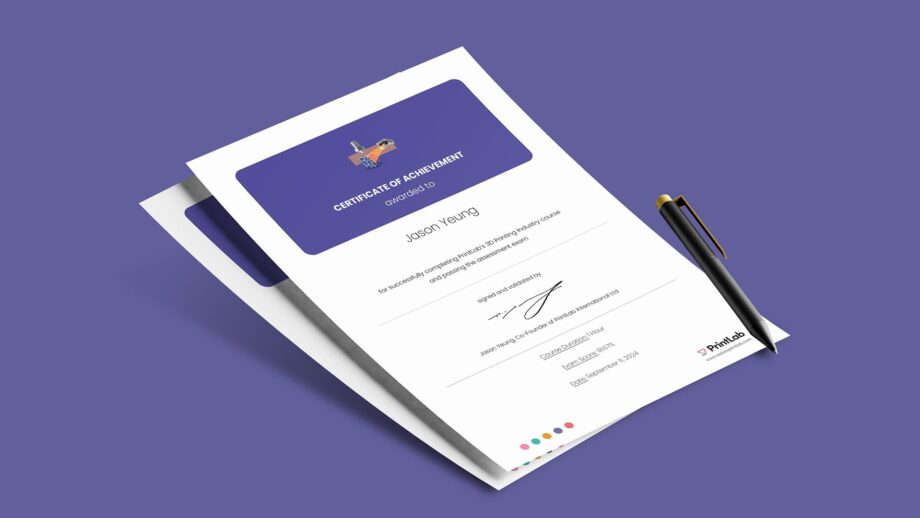
Complete your 4 selected mini courses and pass the assessment quizzes at the end of each. Achieve a score of over 70% to download your digital certificate, and be sure to store them safely.

Fill in your details and upload your certificates using the form below. Please note that the certification requires you to upload a minimum of 4 different certificates. If you are under the age of 16, please ensure you also have the parental consent form signed and upload it with your certificates. PrintLab cannot issue any certification to learners under 16 without the consent form.
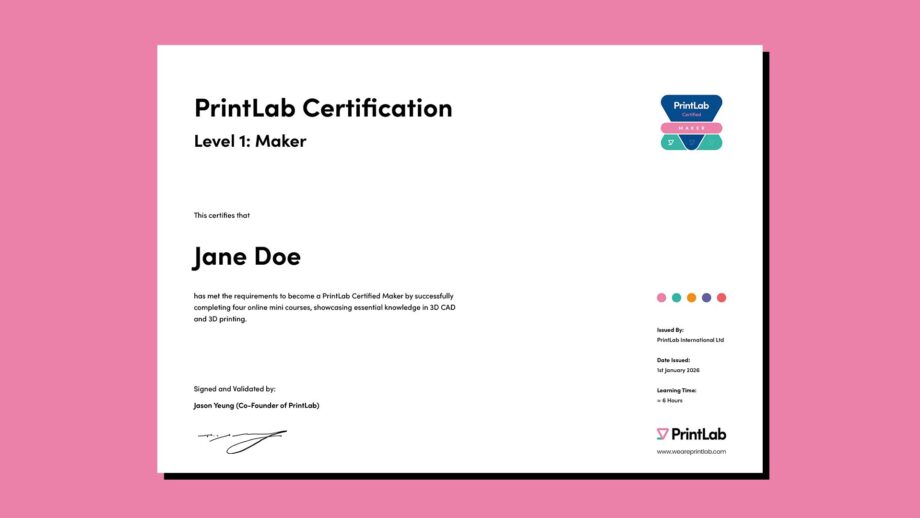
Allow PrintLab 7 days to verify and process your certification application. Upon verification, you will receive an email with your formal certificate and badge image.
*Please note that certification applications are only accepted from users with an active PrintLab subscription and not free trial users.
"*" indicates required fields
After obtaining your Certified Maker status, take your skills to the next level by delivering a PrintLab project in the classroom – showcasing your proficiency in guiding students through design-thinking, 3D CAD and 3D printing activities. Follow the steps below to achieve your certification.
Ensure you have completed and obtained your Level 1 certification. PrintLab cannot certify you for Level 2 without this!
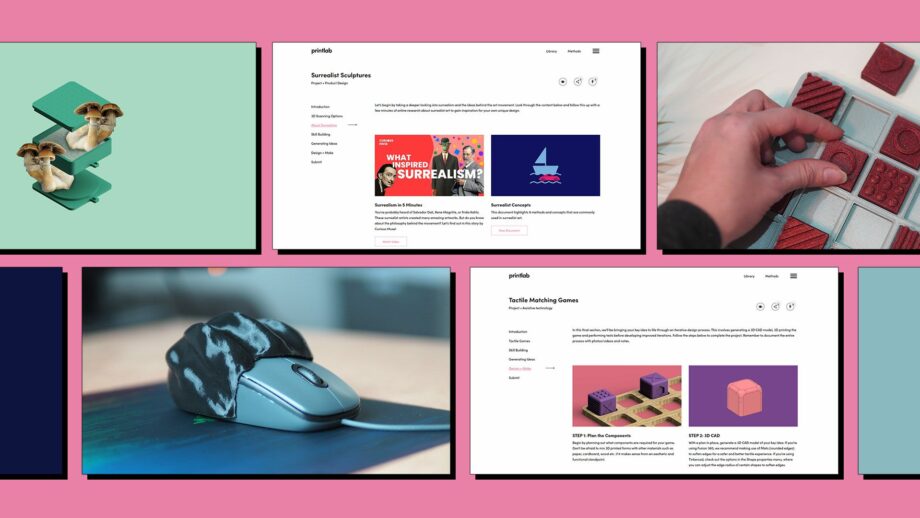
Head to PrintLab's project library and browse through the projects. Deliver 1 in the classroom that is of most interest or relevance to your curriculum. Ensure students document the process using the included template portfolio, and that they adhere to the certification criteria.
Fill in your details and upload one example student portfolio below. Ensure the student has given you permission to share their work. If they are under 16 and the portfolio includes any personally identifiable information (full names, emails, images of faces), please ensure you also have the parental consent form signed and upload it with their portfolio.
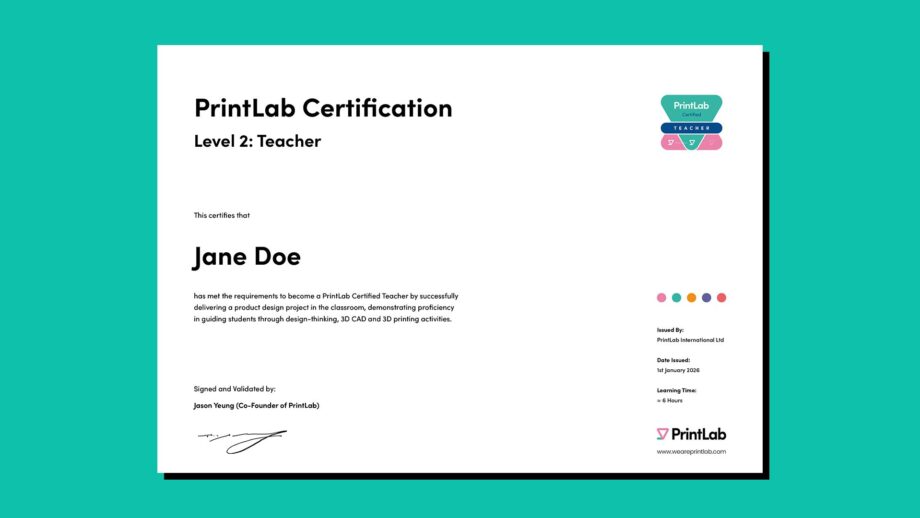
Allow PrintLab 7 days to verify and process your certification application. Upon verification, you will receive an email with your formal certificate and badge image. If the criteria is not met, you will be notified and given the opportunity to improve your submission for re-evaluation.
*Please note that certification applications are only accepted from users with an active PrintLab subscription and not free trial users.
"*" indicates required fields
As a final step, Certified Teachers can progress to the Facilitator level by leading a PrintLab design challenge in the classroom, showcasing their ability to guide students through the entire design-thinking process to create 3D printed solutions for real people or organisations.
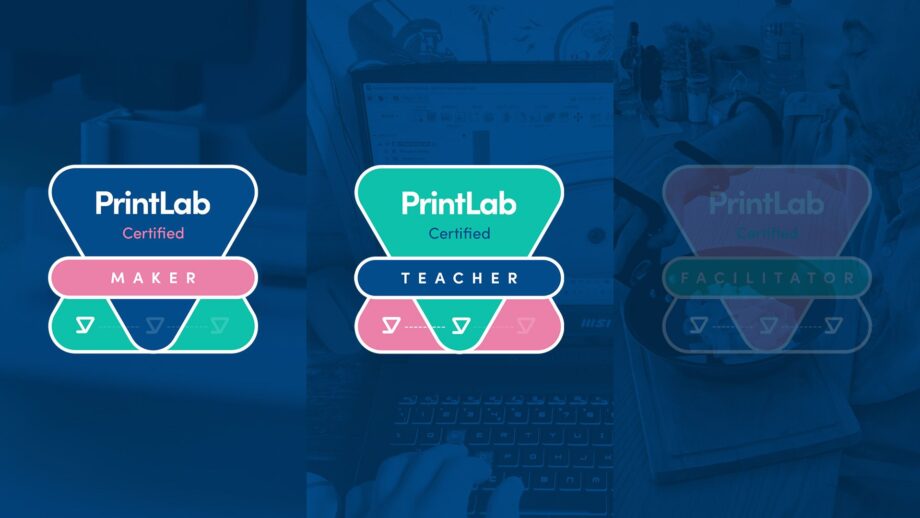
Ensure you have completed and obtained your Level 2 certification. PrintLab cannot certify you for Level 3 without this!
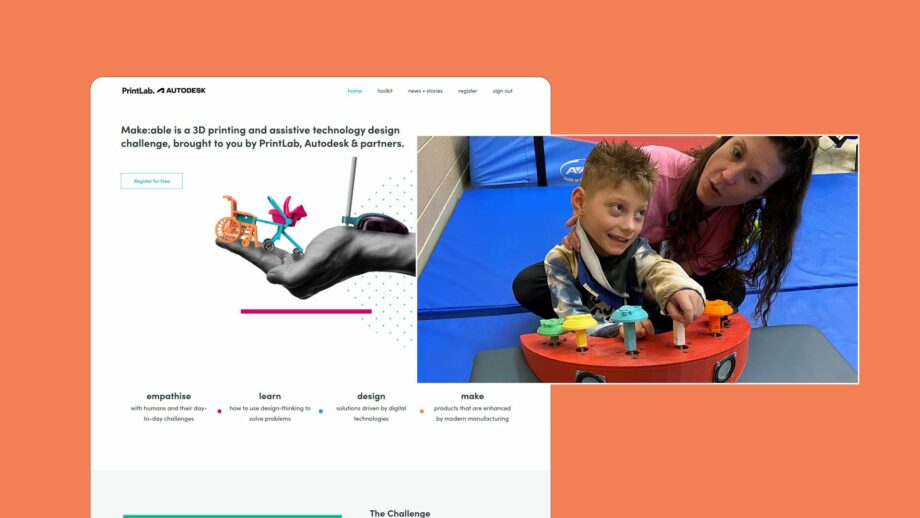
Head to PrintLab's Challenges and deliver and facilitate one of the options. Choose the one that is of most interest or relevance to your curriculum, and ensure students adhere to both the challenge and certification criteria.
Select the challenge submission of 1 exemplary student (or 1 team) and fill in their details using the form below. Ensure the details you enter match the details the student provided when submitting their solution to the challenge. By participating in a challenge, students will have already submitted their work to us and therefore you do not need to re-upload anything. However, if they are under the age of 16, please ensure you have the parental consent form signed and upload it within the form.
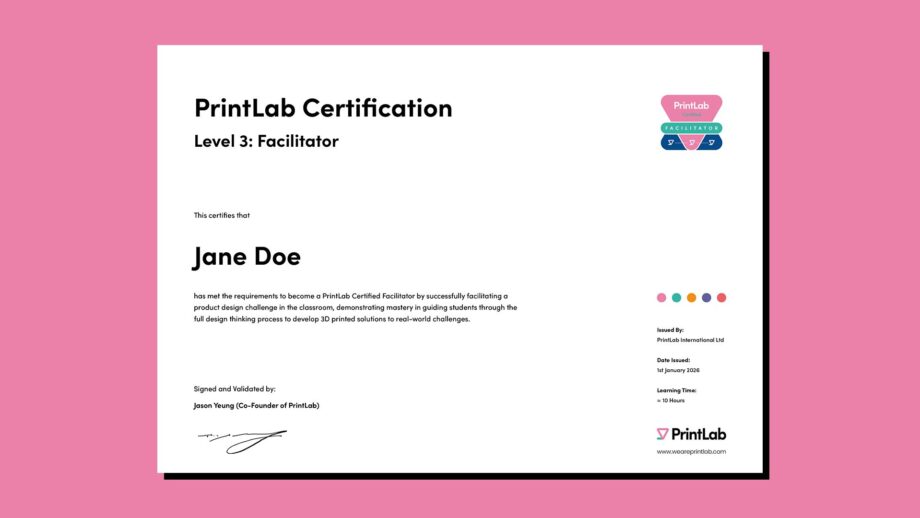
Allow PrintLab 7 days to verify and process your certification application. Upon verification, you will receive an email with your formal certificate and badge image. If the criteria is not met, you will be notified and given the opportunity to improve your submission for re-evaluation.
*Please note that certification applications are only accepted from users with an active PrintLab subscription and not free trial users.
"*" indicates required fields
The Student Certification program is very similar to the Educator Certification, whereby students go through a 3-tiered learning pathway that equips them with essential skills and recognised credentials in 3D CAD, 3D printing, and design innovation.
*Please note that with PrintLab’s Teacher License, there is a limit of certifying 35 students per year. With PrintLab’s Site License, you can certify an unlimited number of students from within your school/organisation.
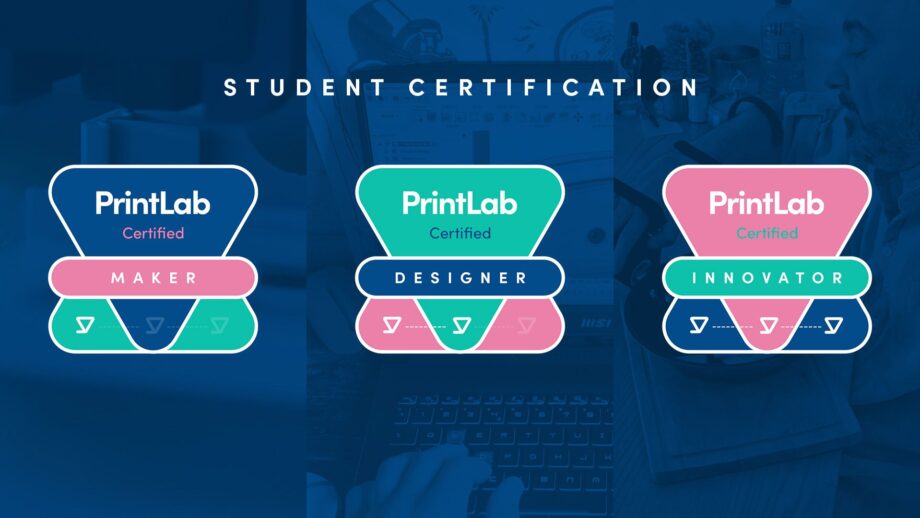
The key similarities and differences between the educator and student certifications are as follows:
With a PrintLab subscription, you can guide students through the certification process. Further guidance is provided upon signing up to PrintLab.
Start your journey by mastering the fundamentals. To earn this certification, you’ll complete a series of mini courses that showcase your essential knowledge in 3D CAD and 3D printing. Follow the steps below to achieve your certification.
Head to PrintLab's mini course library and browse through the courses. Select 4 that are of most interest or relevance to you.
Complete your 4 selected mini courses and pass the assessment quizzes at the end of each. Achieve a score of over 70% to download your digital certificate, and be sure to store them safely.
Fill in your details and upload your certificates using the form below. Please note that the certification requires you to upload a minimum of 4 different certificates. If you are under the age of 16, please ensure you also have the parental consent form signed and upload it with your certificates. PrintLab cannot issue any certification to learners under 16 without the consent form.
Allow PrintLab 7 days to verify and process your certification application. Upon verification, you will receive an email with your formal certificate and badge image.
*Please note that certification applications are only accepted from users with an active PrintLab subscription and not free trial users.
"*" indicates required fields
After obtaining your Certified Maker status, take your skills to the next level by completing a PrintLab project and showcasing your ability to design, make and iterate using 3D CAD and 3D printing. Follow the steps below to achieve your certification.
Ensure you have completed and obtained your Level 1 certification. PrintLab cannot certify you for Level 2 without this!
Head to PrintLab's project library and browse through the projects. Participate in 1 that is of most interest or relevance to you, ensuring you document the process using the included template portfolio, and adhere to the certification criteria.
Fill in your details and upload your completed portfolio below. If you are under the age of 16, please ensure you also have the parental consent form signed and upload it with your portfolio. PrintLab cannot issue any certification to learners under 16 without the consent form.
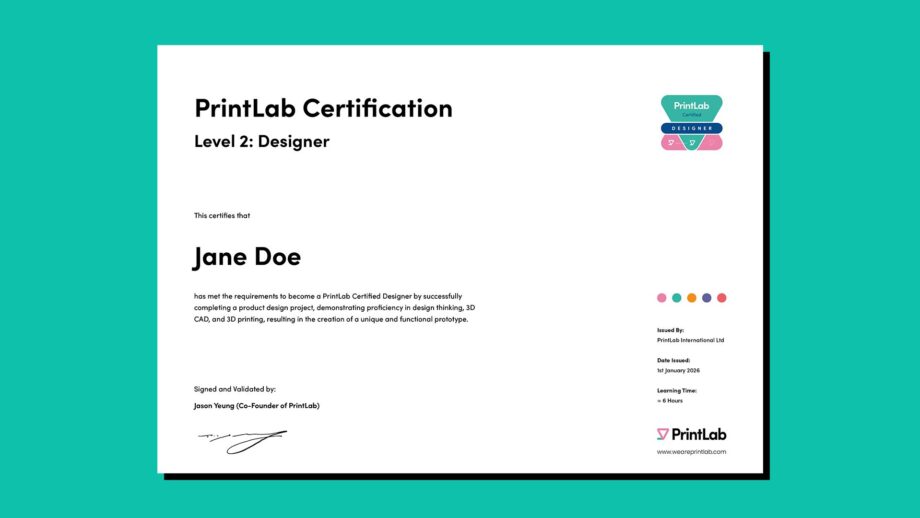
Allow PrintLab 7 days to verify and process your certification application. Upon verification, you will receive an email with your formal certificate and badge image. If you fail to meet the certification criteria, you will be notified and can simply improve your portfolio before submitting again.
*Please note that certification applications are only accepted from users with an active PrintLab subscription and not free trial users.
"*" indicates required fields
As a final step, Certified Designers can advance to the Innovator level by completing a design challenge and submitting evidence of their work. This certification recognises not just technical skills, but the ability to solve real-world problems and innovate in the field of 3D printing.
Ensure you have completed and obtained your Level 2 certification. PrintLab cannot certify you for Level 3 without this!
Head to PrintLab's Challenges and participate in one of the options. Choose the one that is of most interest or relevance to you, ensuring you adhere to both the challenge and certification criteria.
Fill in your details in the form below and ensure they match the details you provided when submitting your solution to the challenge. By participating in a challenge, you will have already submitted your work to us and therefore do not need to re-upload. However, if you are under the age of 16, please ensure you have the parental consent form signed and upload it within the form. PrintLab cannot issue any certification to learners under 16 without the consent form.
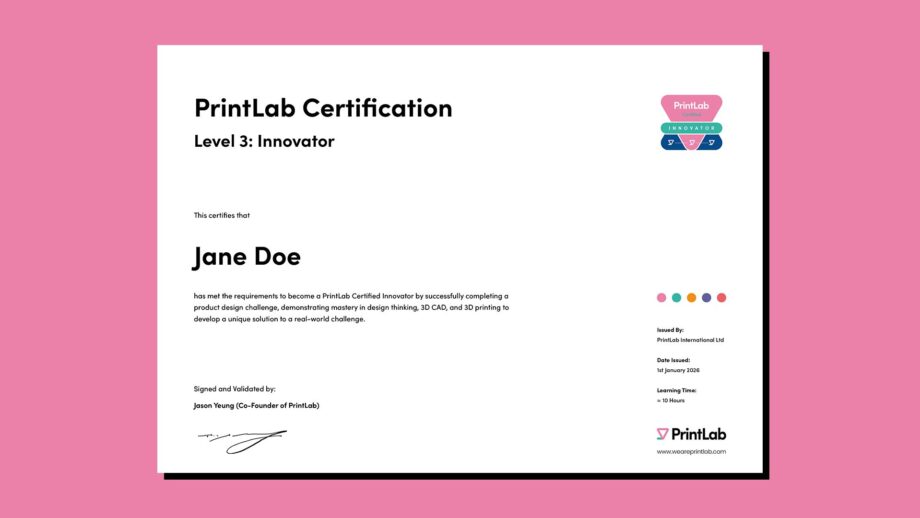
Allow PrintLab 7 days to verify and process your certification application. Upon verification, you will receive an email with your formal certificate and badge image. If you fail to meet the certification criteria, you will be notified and can simply improve your portfolio work submitting again.
*Please note that certification applications are only accepted from users with an active PrintLab subscription and not free trial users.
"*" indicates required fields
PrintLab Certification is available to subscribers of PrintLab. Learn more about our license options and start a free trial today to access a whole range of resources across the fields of 3D printing, 3D design, assistive technology, product design and STEM.
Start a Free Trial to PrintLab